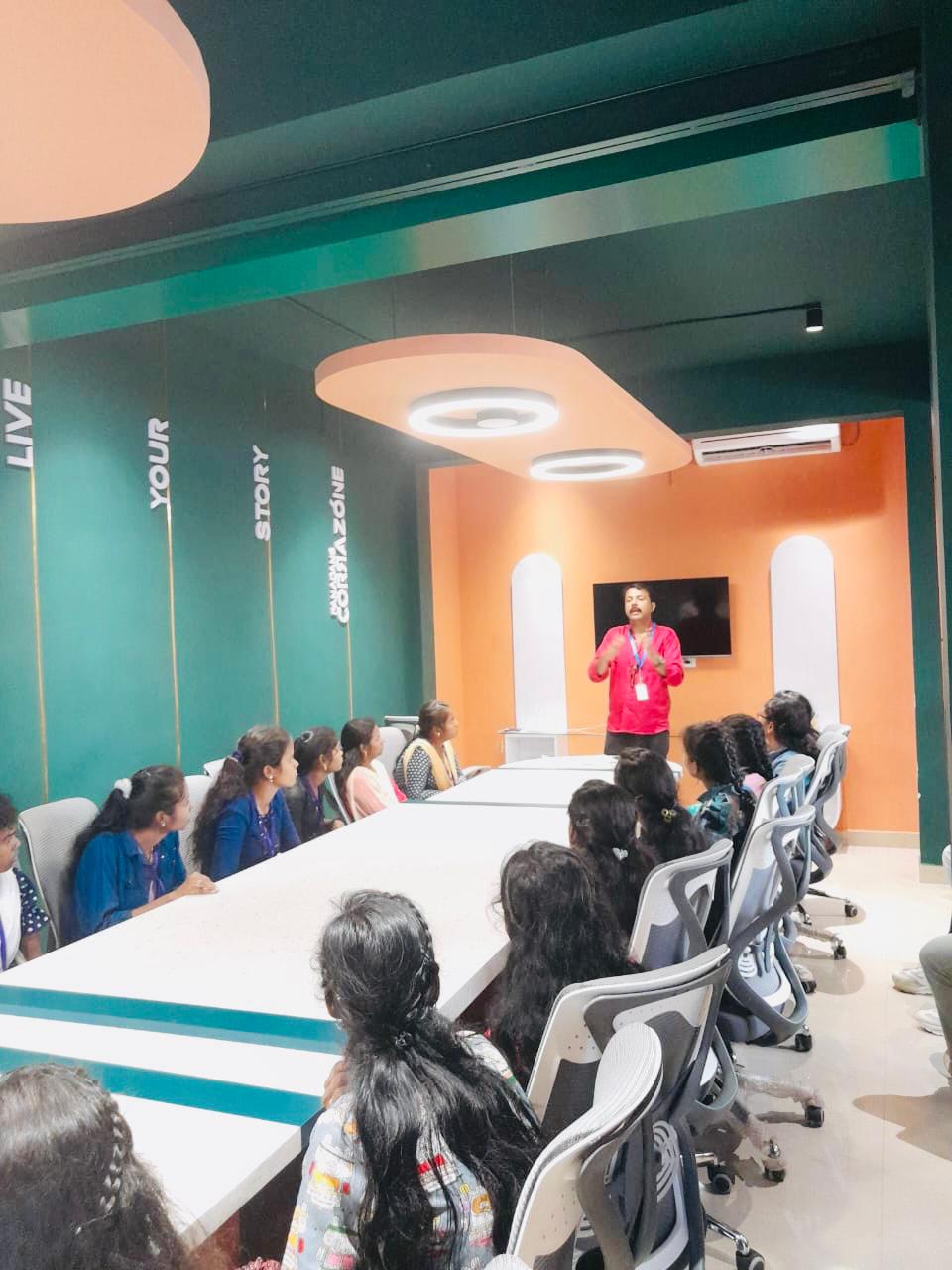
Android Online Live Class by Experts
Our Training/Internship Process

Android - Syllabus, Fees & Duration
Getting Started with Kotlin
- Define Kotlin
- Environment Setup
- First Program Concept
- Kotlin Variable and Data Type
- Kotlin Type Conversion
- Kotlin Operator
- Input/Output
Control Flow
- if Expression
- when Expression
- for Loop and while Loop
- Do while Loop
- Return and Jump
- Continue Structure
Exploring Kotlin Functions
- Kotlin Function
- Recursion Function
- Default and Named Argument
- Kotlin Lambdas
- Higher-Order Function
- Kotlin Inline Function
Exception Handling
- Kotlin Try Catch
- Multiple Catch Block
- Nested Try Block
- Kotlin Finally Block
- Kotlin Throw Keyword
Overview of Collections
- Mutable Array
- Kotlin Collections
- List: listOf()
- mutableListOf()
- Kotlin ArrayList
- arrayListOf()
- Map: mapOf()
- Kotlin HashMap
- hashMapOf() and mutableMapOf()
- Set: setOf()
- mutableSetOf() and hashSetOf()
Exploring Kotlin OOPs
- Class and Object
- Nested and Inner Class
- Kotlin Constructor
- Visibility Modifier
- Kotlin Inheritance
- Abstract Class
- Kotlin Interface
- Data and Sealed Class
- Extension Function
- Kotlin Generics
Introduction to Ranges
- Integer Type Range
- Working Ranges
- Utility Function
Get Started with Kotlin Android
- Install Android Studio
- Hello World App
- Android TextView and EditText
- Kotlin Android Toast
- Android Button and Custom Toast
- Android Explicit and Implicit Intent
- Android ListView and AlertDialog
- Android Context Menu and Custom ListView
- Android Options Menu and Android Popup Menu
- Android WebView and SeekBar
- TabLayout with FrameLayout and ViewPager
- XML Parsing using DOM Parser and SAX Parsers
- Android XMLPullParser
This syllabus is not final and can be customized as per needs/updates
- Since 2001, Making IT Experts by Experts
- Duration: 60 Hours (Vary as per your skill)
- Course Fees
- Individual Live Classes (1:1)
- Batch Classes @ Low Fees
- Training on Your Time, Any Where
- Access to Recorded Videos
- Practical Internship on Projects
- 100% Placement Support by our jobsHybrid.com
- Training/Internship Certificate
- Agra
- Ahmedabad
- Alappuzha
- Aurangabad
- Bangalore
- Belgaum
- Bellary
- Bhubaneswar
- Chennai
- Cochin
- Coimbatore
- Delhi
- Dindigul
- Erode
- Gulbarga
- Guntur
- Gurgaon
- Haryana
- Hyderabad
- Idukki
- Indore
- Jaipur
- Kalyan
- Kannur
- Kanpur
- Kasaragod
- Kerala
- Kolkata
- Kollam
- Kottayam
- Kozhikode
- Lucknow
- Madurai
- Malappuram
- Mangaluru
- Mumbai
- Mysuru
- Nagpur
- Nashik
- Navi Mumbai
- Nizamabad
- Noida
- Palakkad
- Pathanamthitta
- Pune
- Punjab
- Salem
- Shimla
- Solapur
- Surat
- Thane
- Thanjavur
- Thirunelveli
- Thoothukudi
- Thrissur
- Tiruchirappalli
- Tiruppur
- Trivandrum
- Vadodara
- Varanasi
- Vellore
- Vijayawada
- Visakhapatnam
- Wayanad
Course Highlights

Our Locations

 With the help of this program may convert difficult code into a more basic form without wasting time. It also encourages test-driven development, which minimizes the number of bugs. Kotlin has a diverse range of work options in today's globe.
Even if you make a mistake when coding the code, you can fix it right away.
. In Kotlin, the quantity of code written is less, and as a result, the number of bugs is lower. Kotlin includes several simple ideas and strategies that can help developers cut needless code and build apps more quickly. This means that creators will continue to use the same toolbox for all of their Kotlin requests. The library needed to create Kotlin Apps is quite tiny, and Kotlin compilation times are already comparable to Java. We anticipate that first-class Android support will attract a large number of users to Kotlin and that the community will grow dramatically.
With the help of this program may convert difficult code into a more basic form without wasting time. It also encourages test-driven development, which minimizes the number of bugs. Kotlin has a diverse range of work options in today's globe.
Even if you make a mistake when coding the code, you can fix it right away.
. In Kotlin, the quantity of code written is less, and as a result, the number of bugs is lower. Kotlin includes several simple ideas and strategies that can help developers cut needless code and build apps more quickly. This means that creators will continue to use the same toolbox for all of their Kotlin requests. The library needed to create Kotlin Apps is quite tiny, and Kotlin compilation times are already comparable to Java. We anticipate that first-class Android support will attract a large number of users to Kotlin and that the community will grow dramatically.