Send enquiry ⏎

AR/VR Development (Unity) Online Live Class by Experts

Our Training/Internship Process

AR/VR Development (Unity) Online Live Classes in Tiruchirappalli | Free Demo Training

AR/VR Development (Unity) - Syllabus, Fees & Duration

Introduction

The AR/VR Development (Unity) course is a 5-month practical training program designed to teach learners how to create immersive Augmented Reality (AR), Virtual Reality (VR), and Extended Reality (XR) applications using Unity and modern 3D development technologies. Students will learn Unity development, C# programming, 3D environments, AR/VR interactions, and real-world immersive application development.

Course Syllabus

Month 1: Unity & 3D Development Fundamentals

Introduction to AR VR Technology

  • Introduction to Augmented Reality (AR)
  • Introduction to Virtual Reality (VR)
  • Mixed Reality (MR) and Extended Reality (XR)
  • AR vs VR vs MR
  • Applications of AR/VR Technologies
  • Future Scope of Immersive Technologies

Unity Game Engine Fundamentals

  • Introduction to Unity Engine
  • Unity Hub Installation and Setup
  • Unity Interface and Workspace
  • Game Objects and Components
  • Scenes and Assets
  • Unity Project Structure
  • Build and Deployment Basics

C# Programming for Unity

  • Introduction to C# Programming
  • Variables and Data Types
  • Operators and Control Statements
  • Classes and Objects
  • Methods and Functions
  • Object-Oriented Programming Concepts
  • Writing Scripts in Unity

3D Graphics Fundamentals

  • Introduction to 3D Modeling
  • 3D Coordinates and Transformations
  • Materials and Textures
  • Lighting and Rendering
  • Camera Systems
  • Animation Basics

Month 2: Unity Development & Interactive Applications

Unity Game Development

  • Unity Physics System
  • Collision Detection
  • Input Handling
  • User Interaction
  • Prefabs and Components
  • Animation Controllers
  • UI Design in Unity

Advanced C# Programming

  • Inheritance
  • Polymorphism
  • Encapsulation
  • Interfaces
  • Events and Delegates
  • Data Structures
  • Error Handling

3D Environment Creation

  • Creating 3D Scenes
  • Terrain Design
  • Asset Management
  • Environment Optimization
  • Particle Systems
  • Sound Integration

Month 3: Augmented Reality Development

AR Development Fundamentals

  • AR Concepts and Workflow
  • AR Applications Overview
  • AR Foundation Introduction
  • Device Tracking
  • Plane Detection
  • Object Placement

AR Application Development

  • Marker-Based AR
  • Markerless AR
  • Image Recognition
  • AR Object Interaction
  • AR User Interface Development
  • Mobile AR Deployment

AR Tools and Platforms

  • Unity AR Foundation
  • Google ARCore Overview
  • Apple ARKit Overview
  • XR Interaction Toolkit
  • Mobile AR Testing

Month 4: Virtual Reality Development

VR Development Fundamentals

  • Introduction to Virtual Reality
  • VR Hardware Overview
  • VR Interaction Design
  • VR User Experience Principles
  • VR Scene Development

VR Application Development

  • VR Camera Setup
  • VR Controllers
  • Hand Tracking
  • Object Interaction
  • VR Physics
  • Immersive Environment Creation

XR Development

  • Extended Reality Concepts
  • XR Interaction Toolkit
  • VR Performance Optimization
  • Cross Platform XR Development
  • VR Application Deployment

Month 5: Advanced AR VR & Projects

Advanced AR VR Concepts

  • Real-Time 3D Applications
  • Multiplayer XR Experiences
  • AI Integration with AR/VR
  • Spatial Computing Basics
  • AR/VR Optimization Techniques

Industry Applications

  • AR/VR in Gaming
  • AR/VR in Education
  • AR/VR in Healthcare
  • AR/VR in Architecture
  • AR/VR in Training Simulations

Final Projects

  • AR Mobile Application Project
  • VR Interactive Environment Project
  • Unity 3D Game Project
  • Virtual Simulation Project
  • Complete AR/VR Application Deployment

Tools and Technologies

  • Unity Engine
  • C# Programming
  • Blender
  • AR Foundation
  • ARCore
  • ARKit
  • XR Interaction Toolkit
  • Meta Quest SDK
  • Visual Studio
  • 3D Modeling Tools

Download Syllabus - AR/VR Development (Unity)
This syllabus is not final and can be customized as per needs/updates
   
10000+
20+
50+
25+

AR/VR Development (Unity) Jobs in Tiruchirappalli

Enjoy the demand

Find jobs related to AR/VR Development (Unity) in search engines (Google, Bing, Yahoo) and recruitment websites (monsterindia, placementindia, naukri, jobshybrid.com, indeed.co.in, shine.com etc.) based in Tiruchirappalli, chennai and europe countries. You can find many jobs for freshers related to the job positions in Tiruchirappalli.

  • AR Developer
  • VR Developer
  • Unity Developer
  • XR Developer
  • 3D Application Developer
  • Game Developer
  • AR/VR Engineer
  • Unity 3D Developer
  • Immersive Technology Developer
  • Simulation Developer

AR/VR Development (Unity) Internship/Course Details

AR/VR Development (Unity) internship jobs in Tiruchirappalli
AR/VR Development (Unity) Join our **AR/VR Unity Training in Tiruchirappalli** to gain industry-ready skills and start a career in emerging XR technologies. This course provides hands-on experience in developing interactive AR applications, VR environments, 3D simulations, and immersive experiences for gaming, education, healthcare, architecture, and industrial applications. Students will learn Unity game engine, 3D modeling, AR/VR interactions, XR development, and real-world application creation. . **Course Description (Use Tiruchirappalli)** Our **AR/VR Development (Unity) Course in Tiruchirappalli** is a 5-month practical training program designed to teach learners how to build immersive Augmented Reality, Virtual Reality, and Extended Reality applications using Unity, C#, and modern 3D development technologies.


Meet a Few of our Industry Experts 🚀 Your Pathway to IT Career

Meenakshi

Mobile: +91 91884 77559
Location: Online (Tiruchirappalli, India)
Qualification: Bca

Experience: C c++ php css java jsp html  more..

pratik

Mobile: +91 98474 90866
Location: Online (Tiruchirappalli, India)
Qualification: Bsc-IT

Experience: Proficient in HTML CSS and Bootstrap Solid understanding of web development principles and best practices Experience in creating responsive and  more..

Deepesh

Mobile: +91 89210 61945
Location: Online (Tiruchirappalli, India)
Qualification: B.E

Experience: Deepesh has an overall 2 10 YOE as a Developer Automation tester in Deloitte’s Financial Services He has experience in  more..

Nandhini

Mobile: +91 94975 90866
Location: Online (Tiruchirappalli, India)
Qualification: BE

Experience: I have 1 year experience in website developer side My skills Html css bootstrap javascript wordpress basic photoshop   more..

Sony

Mobile: +91 8301010866
Location: Online (Tiruchirappalli, India)
Qualification: MCA

Experience: I’m a seasoned web developer with 12 years of experience I have great expertise in WordPress Joomla and PHP websites  more..

Chinmayee

Mobile: +91 91884 77559
Location: Online (Tiruchirappalli, India)
Qualification: MCA

Experience: Hello I have knowledge of Python odoo PostgreSql HTML5 CSS3 Bootstrap And I have 1 2 months of professional experience  more..

Gagandeep

Mobile: +91 94975 90866
Location: Online (Tiruchirappalli, India)
Qualification: B. Sc animation multimedia

Experience: 4+ years experience in video editor line and also in graphic design line |   more..

Divya

Mobile: +91 91884 77559
Location: Online (Tiruchirappalli, India)
Qualification: Btech cse

Experience: I had experience as a backend developer in nodejs expressjs javascript mongodb postgresql html css Working as a nodejs developer  more..

Mohammed

Mobile: +91 89210 61945
Location: Online (Tiruchirappalli, India)
Qualification: Bachelor of computer applications

Experience: Basic knowledge of Html Css javascript Mongo db Etc I have completed UI FULL STACK WEB DEVELOPMENT Course at Naresh  more..

Indrajit

Mobile: +91 91884 77559
Location: Online (Tiruchirappalli, India)
Qualification: B.Tech

Experience: Design: Proficient in design thinking wireframing and visual design Prototyping: Experienced with Figma Adobe Photoshop and Miro for prototyping User  more..

Lakshmi

Mobile: +91 94975 90866
Location: Online (Tiruchirappalli, India)
Qualification: MBA

Experience: Search engine marketing seo smm email marketing canva WordPress  more..

Kriti

Mobile: +91 8301010866
Location: Online (Tiruchirappalli, India)
Qualification: BTech in computer science and engineering

Experience: Html css javascript react native bootstrap sass scss   more..

Saumadip

Mobile: +91 91884 77559
Location: Online (Tiruchirappalli, India)
Qualification: B.tech

Experience: Experienced Cyber Security Analyst with a passion for ethical hacking vulnerability assessment and penetration testing Skilled in delivering impactful cybersecurity  more..

Selvasuryaprakash

Mobile: +91 91884 77559
Location: Online (Tiruchirappalli, India)
Qualification: Mca

Experience: I have knowledge from anroid app development At doing project used for Android studio   more..

Suresh

Mobile: +91 94975 90866
Location: Online (Tiruchirappalli, India)
Qualification: Btech( computer science and engineering)

Experience: Skills:seo html js css and c lang Experience: now I'm working in government sector for developing website and one us  more..

Anagha

Mobile: +91 98474 90866
Location: Online (Tiruchirappalli, India)
Qualification: B tech in ECE

Experience: Manual testing Automation testing java selenium jmeter  more..

Elavarasan

Mobile: +91 9895490866
Location: Online (Tiruchirappalli, India)
Qualification: BE mechanical engineering

Experience: Hi am completed in BE mechanical engineering and Python certificate course complete then I have attended in odoo Internship 3months  more..

Dhivya

Mobile: +91 94975 90866
Location: Online (Tiruchirappalli, India)
Qualification: B.E computer science

Experience: AWS services Devops terraform Jenkins docker and docker hub GIt and GitHub Ansible python Linux windows shell scripting  more..

Ashwin

Mobile: +91 8301010866
Location: Online (Tiruchirappalli, India)
Qualification: BE.ECE

Experience: Python odoo   more..

Akhand

Mobile: +91 91884 77559
Location: Online (Tiruchirappalli, India)
Qualification: B.Tech

Experience: Android studio Android development Java Kotlin MVVM MVP MVC OOPS   more..

Litheesh

Mobile: +91 89210 61945
Location: Online (Tiruchirappalli, India)
Qualification: B.sc cs

Experience: Hi I am s Litheesh Sharma I am a 22 year old boy I am B sc cs degree compled  more..

Priyanka

Mobile: +91 89210 61945
Location: Online (Tiruchirappalli, India)
Qualification: B-tech

Experience: Codeigniter developer 10 month experience   more..

KAVERI

Mobile: +91 94975 90866
Location: Online (Tiruchirappalli, India)
Qualification: Msc cyber security

Experience: vulnerability assessment penetration testing risk assessment threat modeling ethical hacking etc worked with kerala police red team and senselearner pvt  more..

Dhilip

Mobile: +91 98474 90866
Location: Online (Tiruchirappalli, India)
Qualification: MCA

Experience: As an experienced Android developer for 2 years I have proficiency in Kotlin and Java knowledge in Android Studio and  more..

Success Stories

The enviable salary packages and track record of our previous students are the proof of our excellence. Please go through our students' reviews about our training methods and faculty and compare it to the recorded video classes that most of the other institutes offer. See for yourself how TechnoMaster is truly unique.

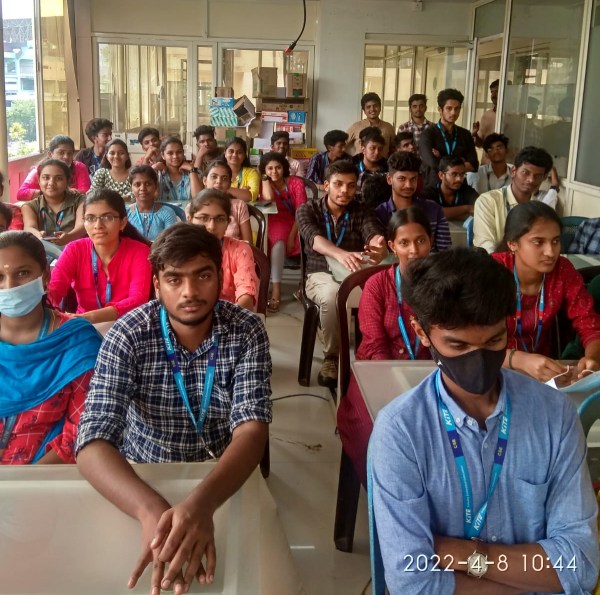
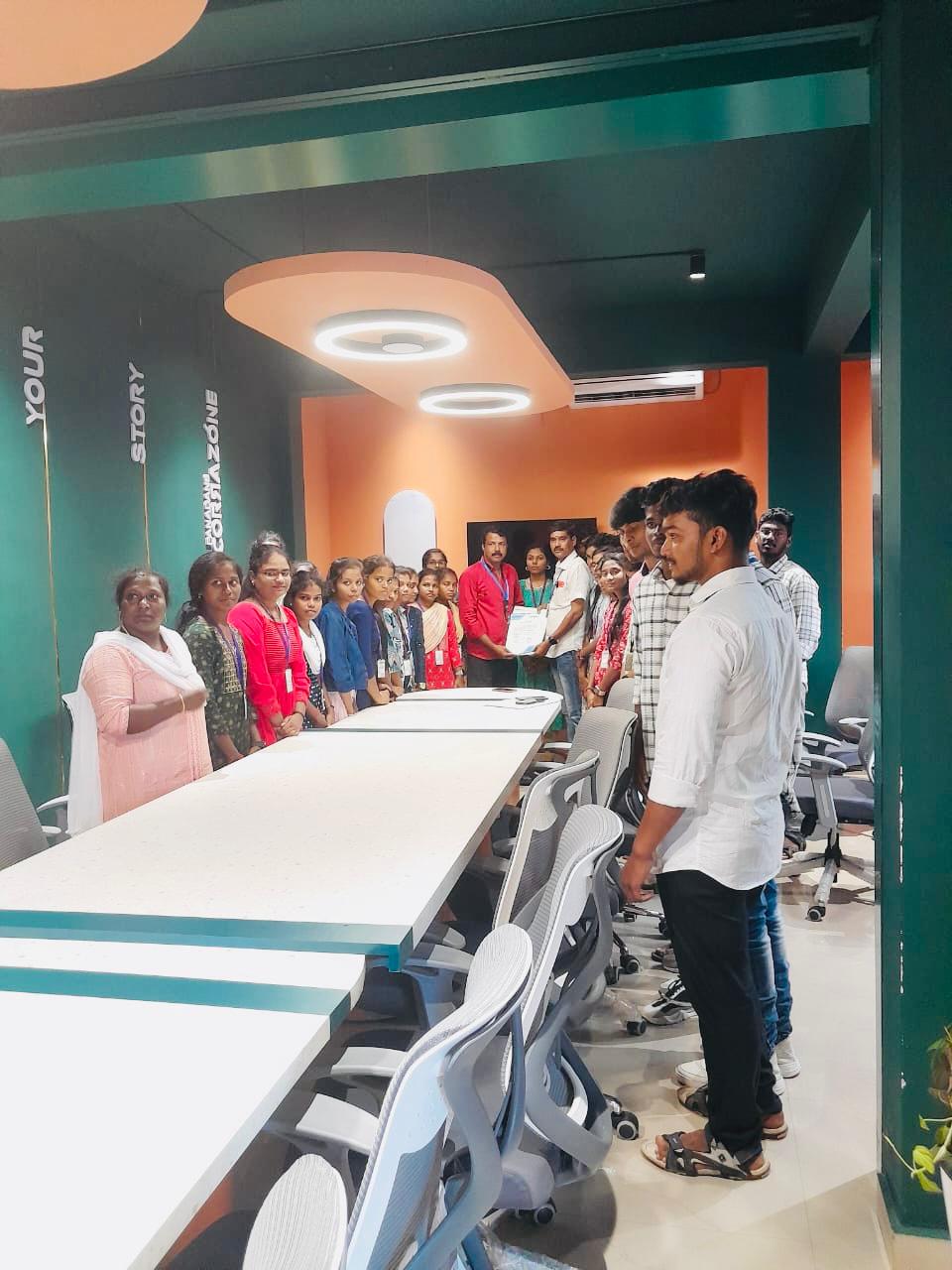
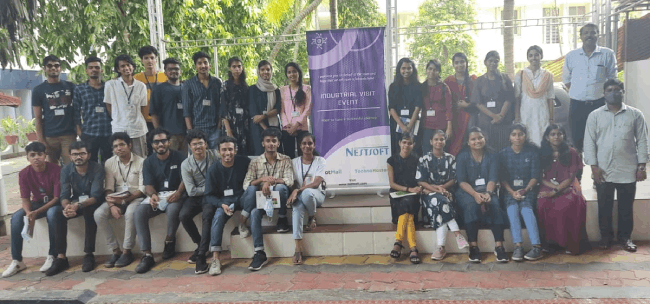
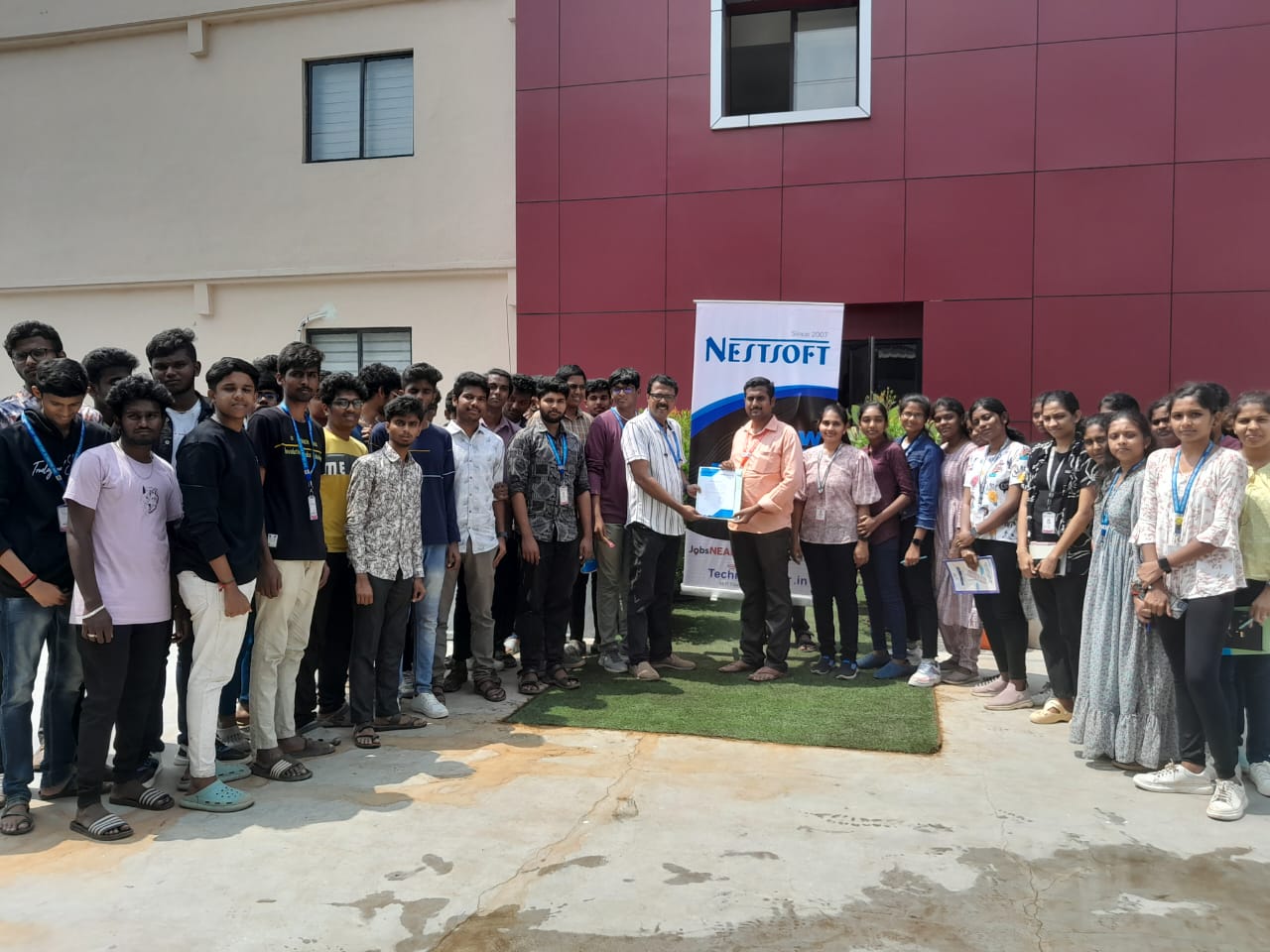
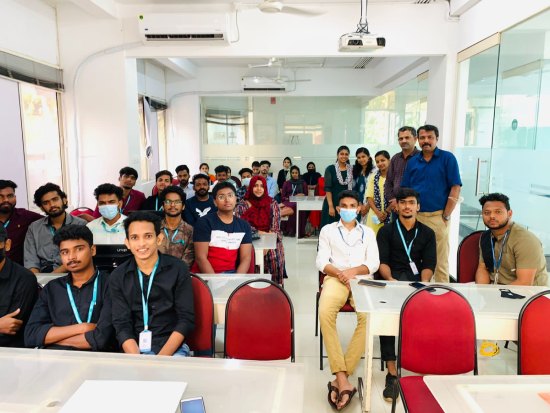
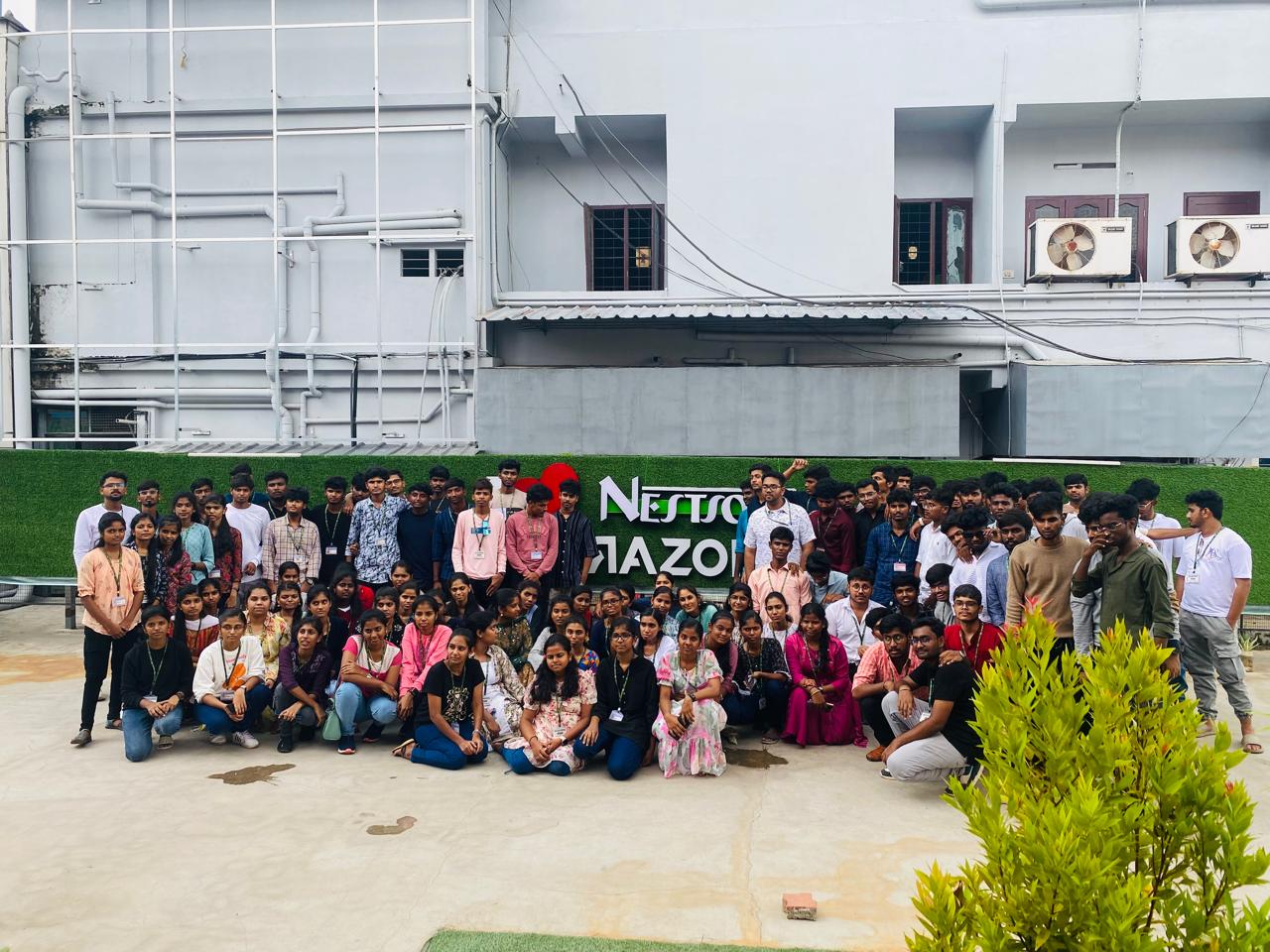
Photos of Training / Internships

Internship/projects in tiruchirappalli

Trained more than 10000+ students who trust Nestsoft TechnoMaster

Get Your Personal Trainer