Send enquiry ⏎

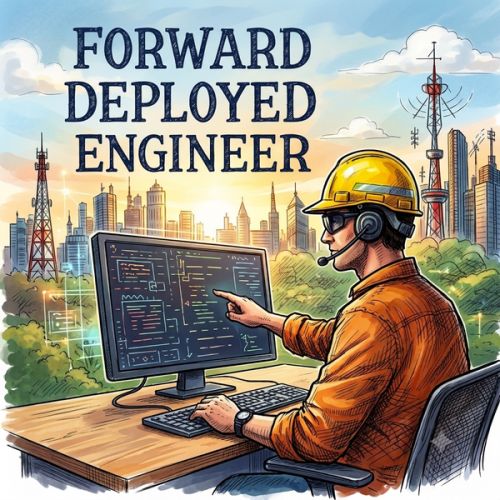
Forward Deployed Engineering (FDE) Online Live Class by Experts

Our Training/Internship Process

Forward Deployed Engineering (FDE) Online Live Classes in Kerala | Free Demo Training

Forward Deployed Engineering (FDE) - Syllabus, Fees & Duration

Fundamentals of Forward Deployed Engineering

  • Introduction to Forward Deployed Engineering
  • FDE Architecture and Engineering Principles
  • Understanding Client and Business Requirements
  • Technical Problem-Solving Strategies
  • Solution Design and Implementation

Advanced Python Engineering

  • Python Programming and Advanced Concepts
  • Object-Oriented and Functional Programming
  • Asynchronous Programming
  • Python Frameworks and Libraries
  • Backend Application Development

Modern Web Application Development

  • Frontend Development with React
  • Backend Development with Django or FastAPI
  • Full Stack Application Architecture
  • Authentication and Authorization
  • Application Performance Optimization

API and Enterprise Integration

  • RESTful API Design
  • GraphQL Fundamentals
  • API Gateways and Authentication
  • Webhook Development and Integration
  • Enterprise Software Integration

AI Engineering and LLM Applications

  • Generative AI Fundamentals
  • LLM Architecture and Applications
  • Prompt Engineering Techniques
  • OpenAI and Other LLM APIs
  • Retrieval-Augmented Generation (RAG)
  • Vector Databases and Embeddings

Agentic AI and Intelligent Automation

  • AI Agent Development
  • LangChain and LangGraph
  • Model Context Protocol (MCP)
  • Tool Calling and Function Calling
  • Multi-Agent Collaboration
  • AI Workflow Automation

Cloud Native Engineering

  • Cloud Architecture Fundamentals
  • AWS, Azure or Google Cloud Basics
  • Application Hosting and Deployment
  • Serverless Computing
  • Cloud Security and Monitoring

DevOps and Production Engineering

  • Git and GitHub Workflows
  • Docker and Container Management
  • Kubernetes Fundamentals
  • CI/CD Pipeline Implementation
  • Infrastructure as Code Fundamentals
  • Production Monitoring and Logging

Data Engineering and Databases

  • Relational Database Management
  • PostgreSQL and MongoDB
  • Database Optimization
  • Data Pipelines and Integration
  • Vector Search and Data Retrieval

Security and Software Quality

  • Application Security Fundamentals
  • Secure API Development
  • Automated Software Testing
  • AI Application Evaluation
  • Debugging and Performance Testing

Capstone Projects and Industry Applications

  1. Develop an AI-Powered Business Application
  2. Build an Intelligent Customer Support Agent
  3. Integrate Enterprise APIs and Databases
  4. Deploy Applications on Cloud Infrastructure
  5. Implement an Automated CI/CD Pipeline
  6. Build and Deploy an End-to-End AI Solution

Download Syllabus - Forward Deployed Engineering (FDE)
This syllabus is not final and can be customized as per needs/updates
   
10000+
20+
50+
25+

Forward Deployed Engineering (FDE) Jobs in Kerala

Enjoy the demand

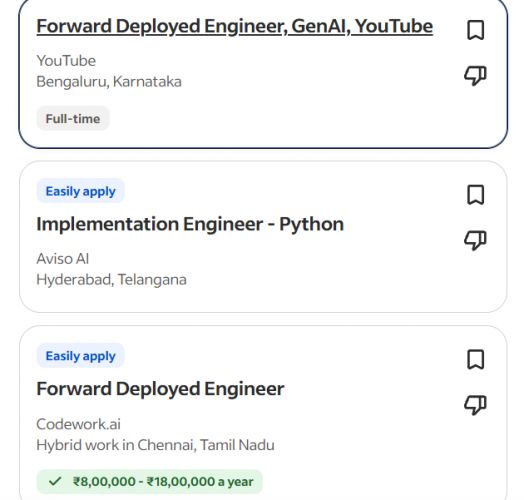
Find jobs related to Forward Deployed Engineering (FDE) in search engines (Google, Bing, Yahoo) and recruitment websites (monsterindia, placementindia, naukri, jobshybrid.com, indeed.co.in, shine.com etc.) based in Kerala, chennai and europe countries. You can find many jobs for freshers related to the job positions in Kerala.

  • Forward Deployed Engineer
  • AI Engineer
  • Software Engineer
  • Full Stack Developer
  • AI Application Developer
  • AI Agent Developer
  • Solutions Engineer
  • Cloud Engineer
  • DevOps Engineer
  • AI Integration Specialist

Forward Deployed Engineering (FDE) Internship/Course Details

Forward Deployed Engineering (FDE) internship jobs in Kerala
Forward Deployed Engineering (FDE) . The program emphasizes practical engineering, problem-solving, system architecture, and end-to-end project development. Forward Deployed Engineering is an advanced technology training program designed to prepare learners to develop, integrate, and deploy intelligent software solutions for real-world business challenges. This course in Kerala provides practical training in Python, full-stack development, modern web technologies, Artificial Intelligence, Generative AI, Large Language Models (LLMs), AI Agents, API integration, cloud computing, and DevOps. Learners gain hands-on experience in building AI-powered applications, automating business processes, integrating enterprise systems, developing scalable software, and deploying production-ready solutions. Through industry-oriented projects, students learn how to convert business requirements into effective technology solutions.


Meet a Few of our Industry Experts 🚀 Your Pathway to IT Career

Pavan

Mobile: +91 9895490866
Location: Online (Kerala, India)
Qualification: Bachelor of computer science

Experience: Java Developer Spring Spring Boot Jsp Servlet Html css java script react js mysql  more..

Apurva

Mobile: +91 94975 90866
Location: Online (Kerala, India)
Qualification: B.E. civil engineering

Experience: Html css javascript SQL server bootstrap asp net ado net c# etc  more..

John

Mobile: +91 89210 61945
Location: Online (Kerala, India)
Qualification: BCA

Experience: Ceh networking networking security  more..

SAVITA

Mobile: +91 89210 61945
Location: Online (Kerala, India)
Qualification: Be

Experience: I have 1 year experience in PHP developer   more..

Anagha

Mobile: +91 89210 61945
Location: Online (Kerala, India)
Qualification: MCA

Experience: 1 Knowledge in integration and functional testing 2 Knowledge in LARAVEL C JAVA DBMS 3 Confident Articulate and Professional Speaking  more..

Shalmi

Mobile: +91 89210 61945
Location: Online (Kerala, India)
Qualification: Bsc. Computer science

Experience: Html css javascript react js  more..

Akhil

Mobile: +91 91884 77559
Location: Online (Kerala, India)
Qualification: Bachelor degree (BCA)

Experience: C++ programming language DBMS MS Excel operating system Project management javascript HTML CSS and familiar with data structures java Nodejs  more..

Ashik

Mobile: +91 91884 77559
Location: Online (Kerala, India)
Qualification: btech

Experience: Odoo-1 year python 1- year wordpress-3 months python internship-6 months  more..

DRISHYA

Mobile: +91 89210 61945
Location: Online (Kerala, India)
Qualification: MCA

Experience: Having experience in doing programming skills as well as teaching experience The teaching method of triggering the basic will in  more..

Aaryan

Mobile: +91 94975 90866
Location: Online (Kerala, India)
Qualification: Graduate

Experience: I specialise in Java python and DSA and on the development side I'm proficient in android development in Java flutter  more..

Haripriya

Mobile: +91 89210 61945
Location: Online (Kerala, India)
Qualification: Bca

Experience: PHP css SQL java android Python cpp c I had done my academic miniproject "paying guest accommodation system" Technologies used  more..

Salini

Mobile: +91 98474 90866
Location: Online (Kerala, India)
Qualification: Msc Computer Science

Experience: Trained fresher in software testing ISTQB foundation level certified   more..

Sunita

Mobile: +91 91884 77559
Location: Online (Kerala, India)
Qualification: BCA

Experience: Hello Sir Madam I have 7 years of experience as a UI developer with skills in HTML CSS SCSS Bootstrap  more..

Pranoti

Mobile: +91 8301010866
Location: Online (Kerala, India)
Qualification: MTech

Experience: I have good knowledge of aws cloud devops with tools terraform grafana cloud watch tomcat nginx keycloak apache good knowledge  more..

Kavitha

Mobile: +91 9895490866
Location: Online (Kerala, India)
Qualification: B.tech

Experience: Selenium with java bdd TTD j meter Api postman and swagger (manually) version control CI CD Jira ajile methodology scrum  more..

Muhabath

Mobile: +91 91884 77559
Location: Online (Kerala, India)
Qualification: Btech

Experience: Manual testing Selenium Java Automation testing  more..

priyanka

Mobile: +91 91884 77559
Location: Online (Kerala, India)
Qualification: MBA

Experience: Android developer with Java  more..

Arpita

Mobile: +91 94975 90866
Location: Online (Kerala, India)
Qualification: Engineering (computer science)

Experience: C c++ java python HTML CSS PHP MySQL ms-office ms-word DBMS Oracle   more..

Anusaya

Mobile: +91 91884 77559
Location: Online (Kerala, India)
Qualification: B.E

Experience: Web development graphics design Digital marketing C C++ Aws Devops  more..

Abhijit

Mobile: +91 91884 77559
Location: Online (Kerala, India)
Qualification: B.E COMPUTER SCIENCE AND ENGINEER

Experience: Computer hardware networking pc troubleshooting install os python programming web development tech support   more..

josmy

Mobile: +91 91884 77559
Location: Online (Kerala, India)
Qualification: bca

Experience: kotlin java android flutter XML   more..

lingudu

Mobile: +91 91884 77559
Location: Online (Kerala, India)
Qualification: B.tech

Experience: AUTO CAD CATIA ANSYS basic C python  more..

Katyayani

Mobile: +91 8301010866
Location: Online (Kerala, India)
Qualification: Bachelor of Engineering

Experience: Microsoft excel PowerPoint word web development Canva Creative design editing  more..

Soniya

Mobile: +91 9895490866
Location: Online (Kerala, India)
Qualification: BE computer science engineering

Experience: Having 5+ years experience in IT - training and development field Having good knowledge of programming language like c c++  more..

Success Stories

The enviable salary packages and track record of our previous students are the proof of our excellence. Please go through our students' reviews about our training methods and faculty and compare it to the recorded video classes that most of the other institutes offer. See for yourself how TechnoMaster is truly unique.

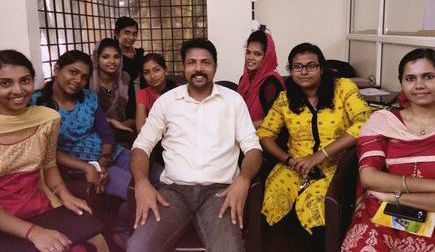
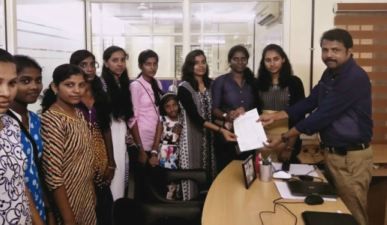
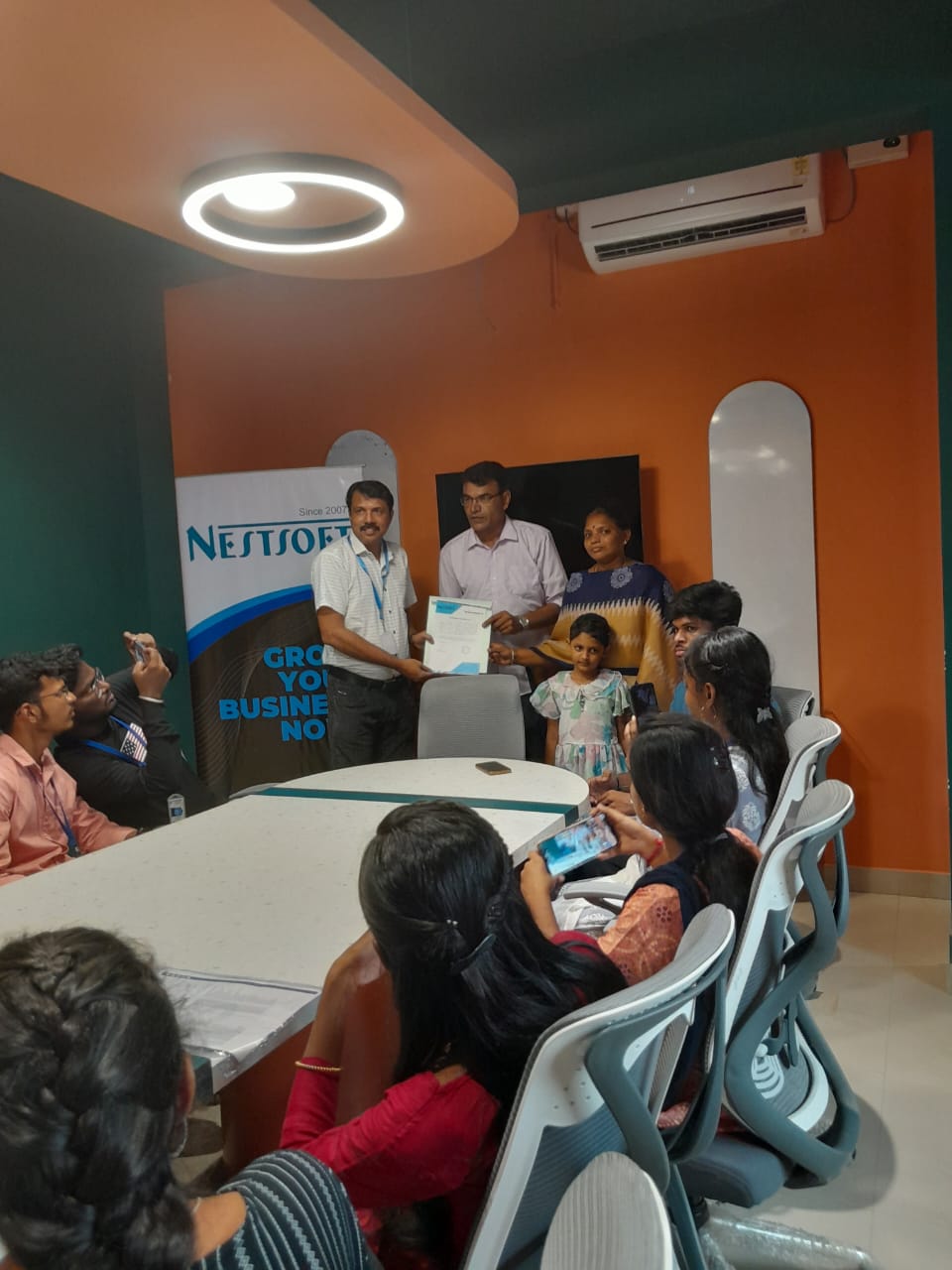
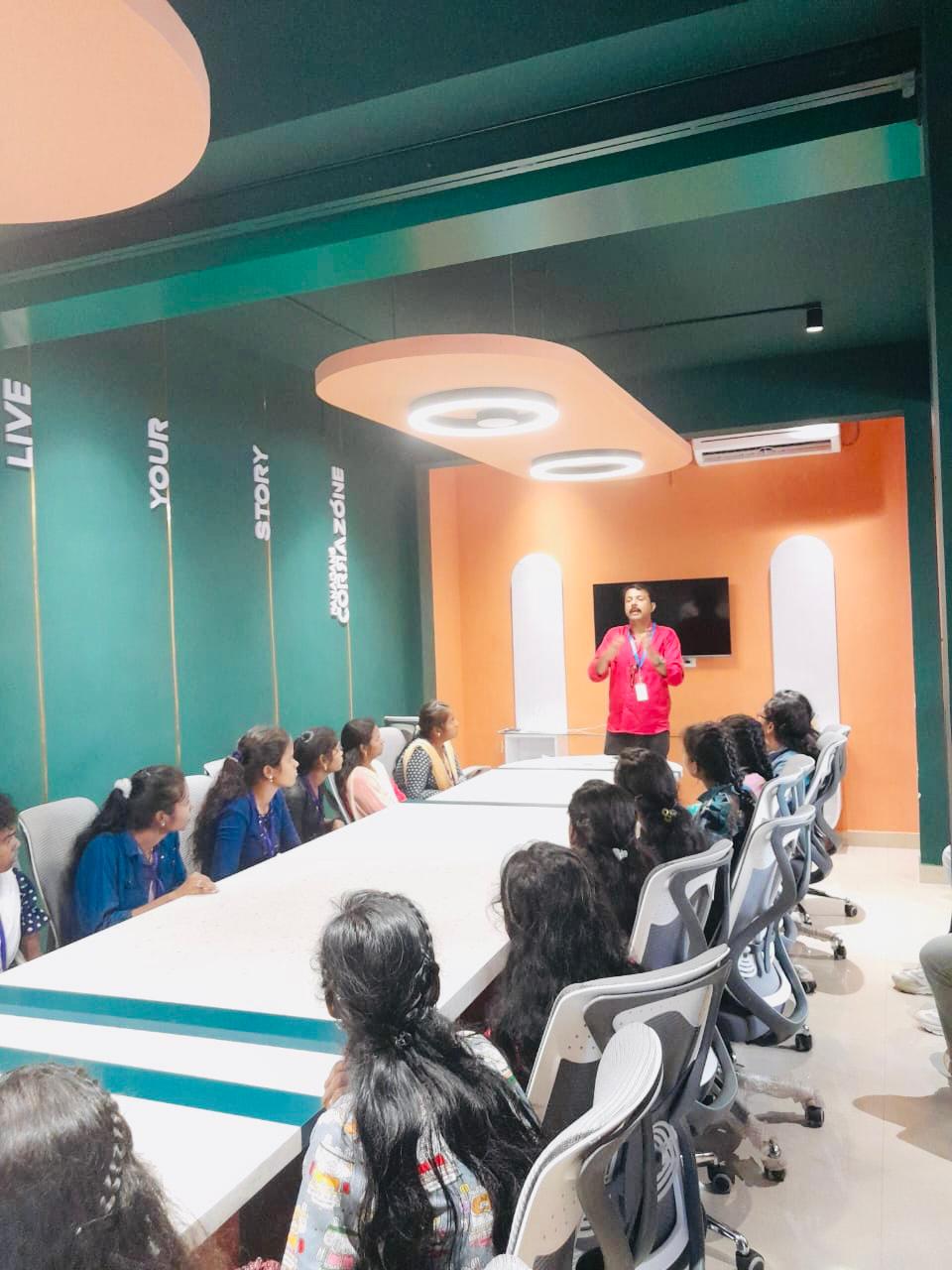
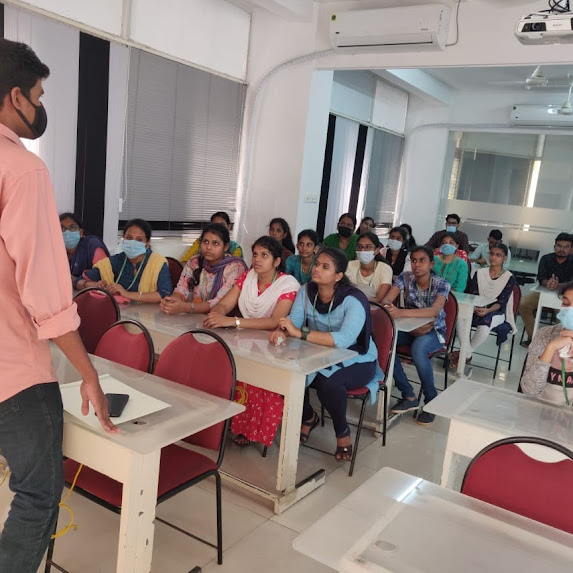
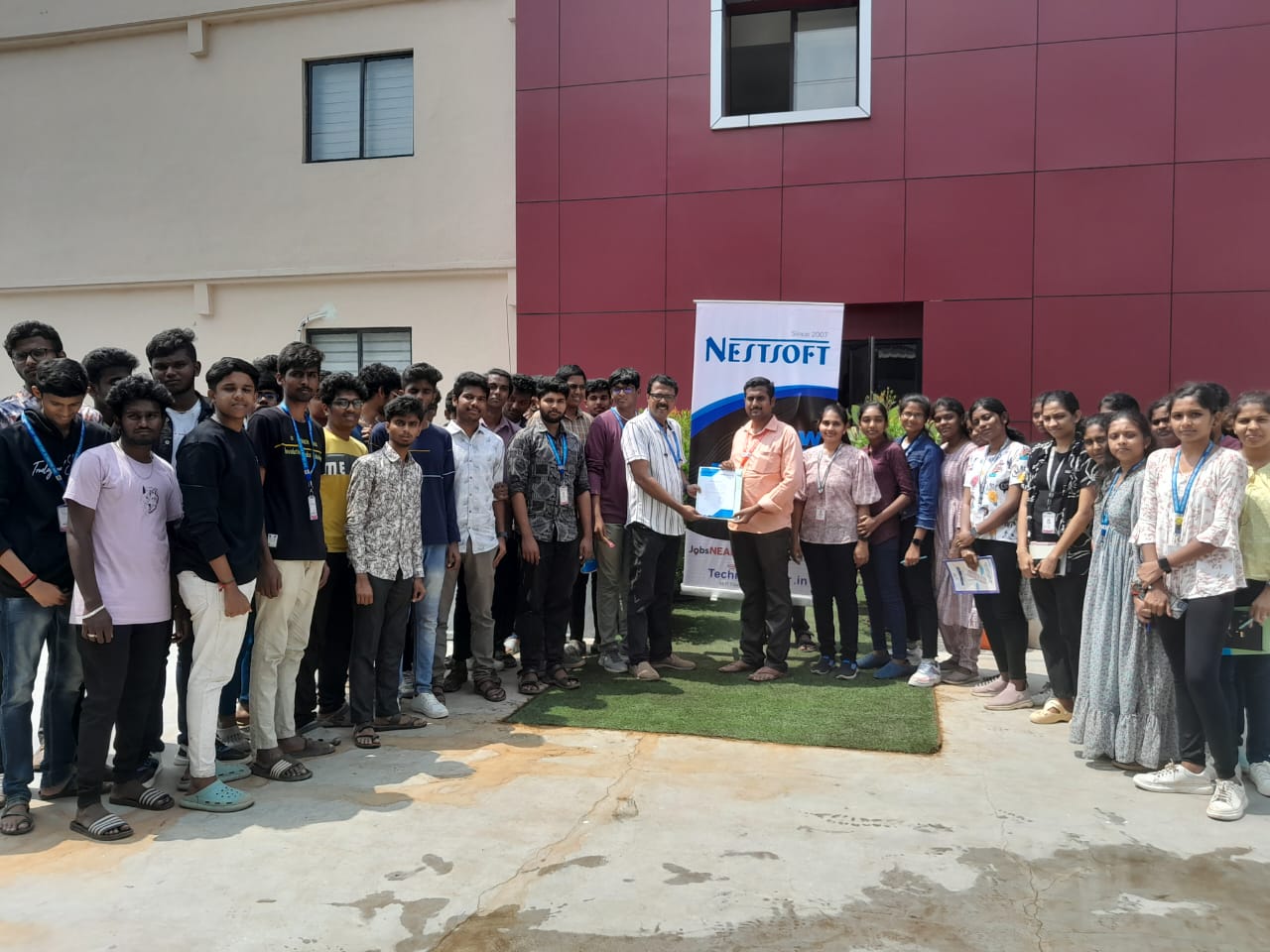
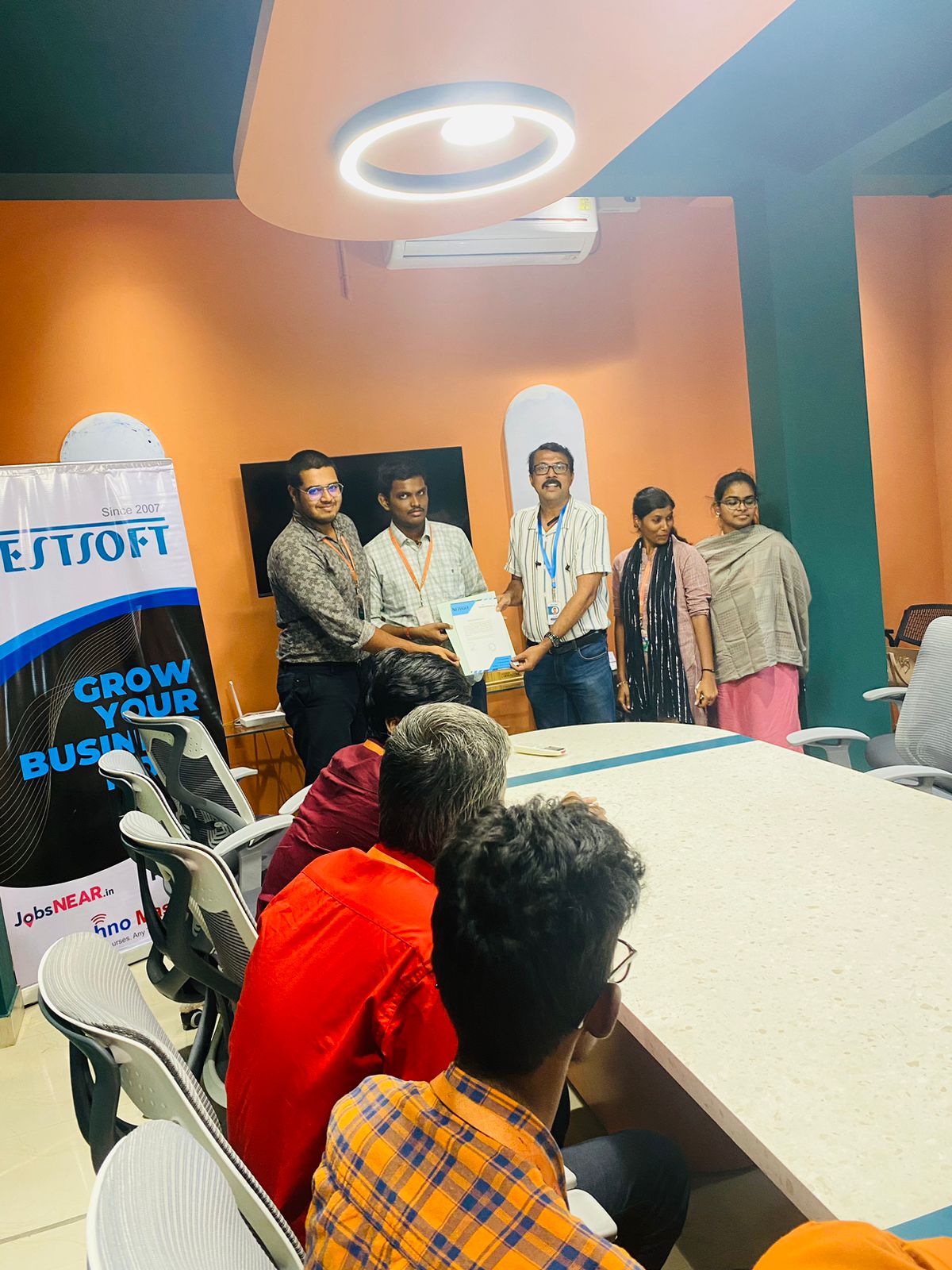
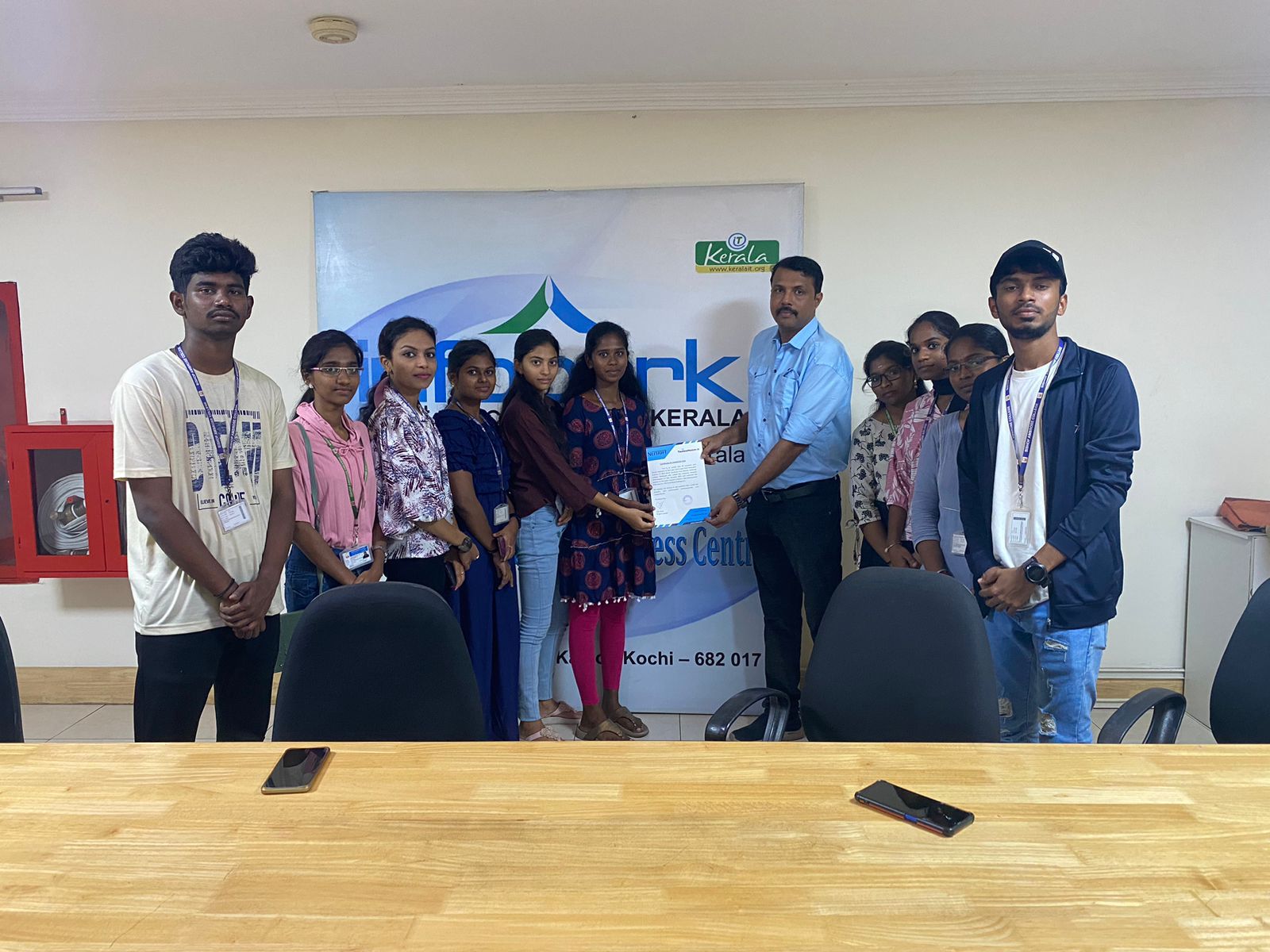
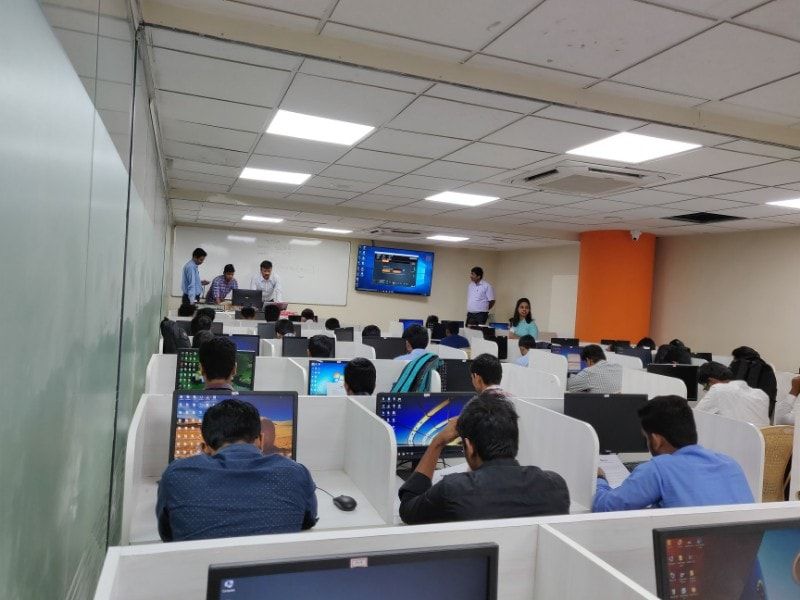
Photos of Training / Internships

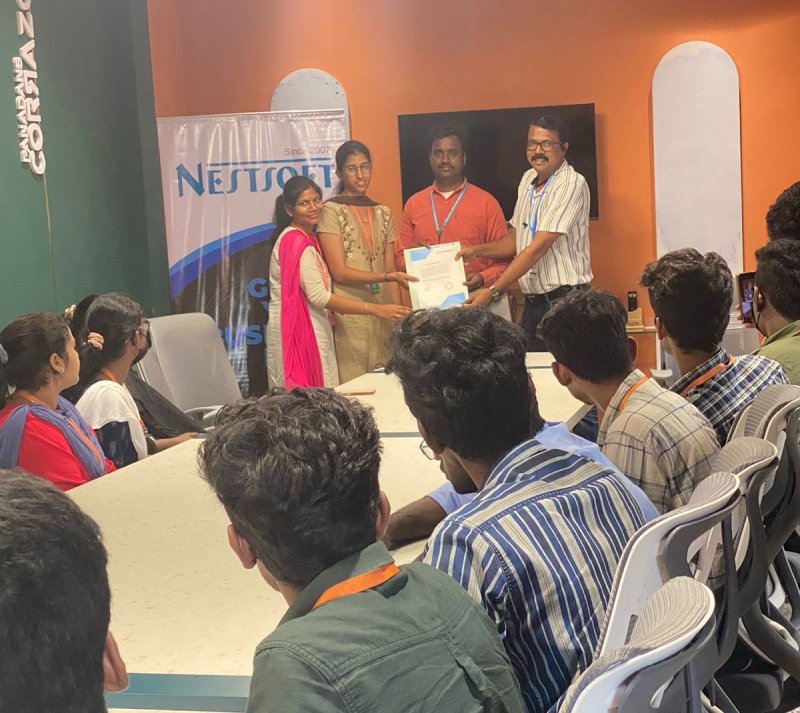
Internship/projects in kerala

Trained more than 10000+ students who trust Nestsoft TechnoMaster

Get Your Personal Trainer