Send enquiry ⏎

Search Engine Marketing (SEM) Online Live Class by Experts

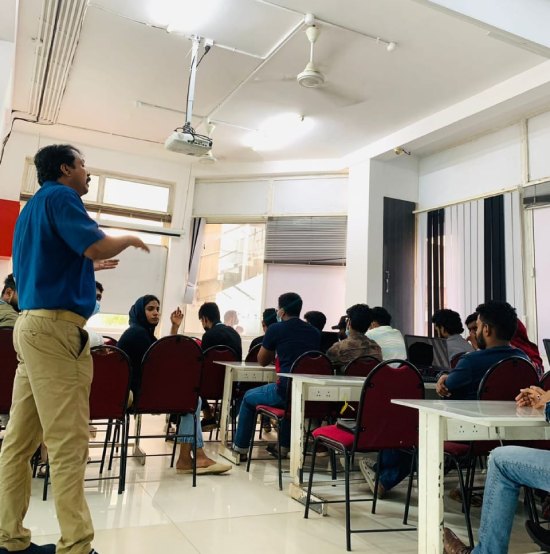
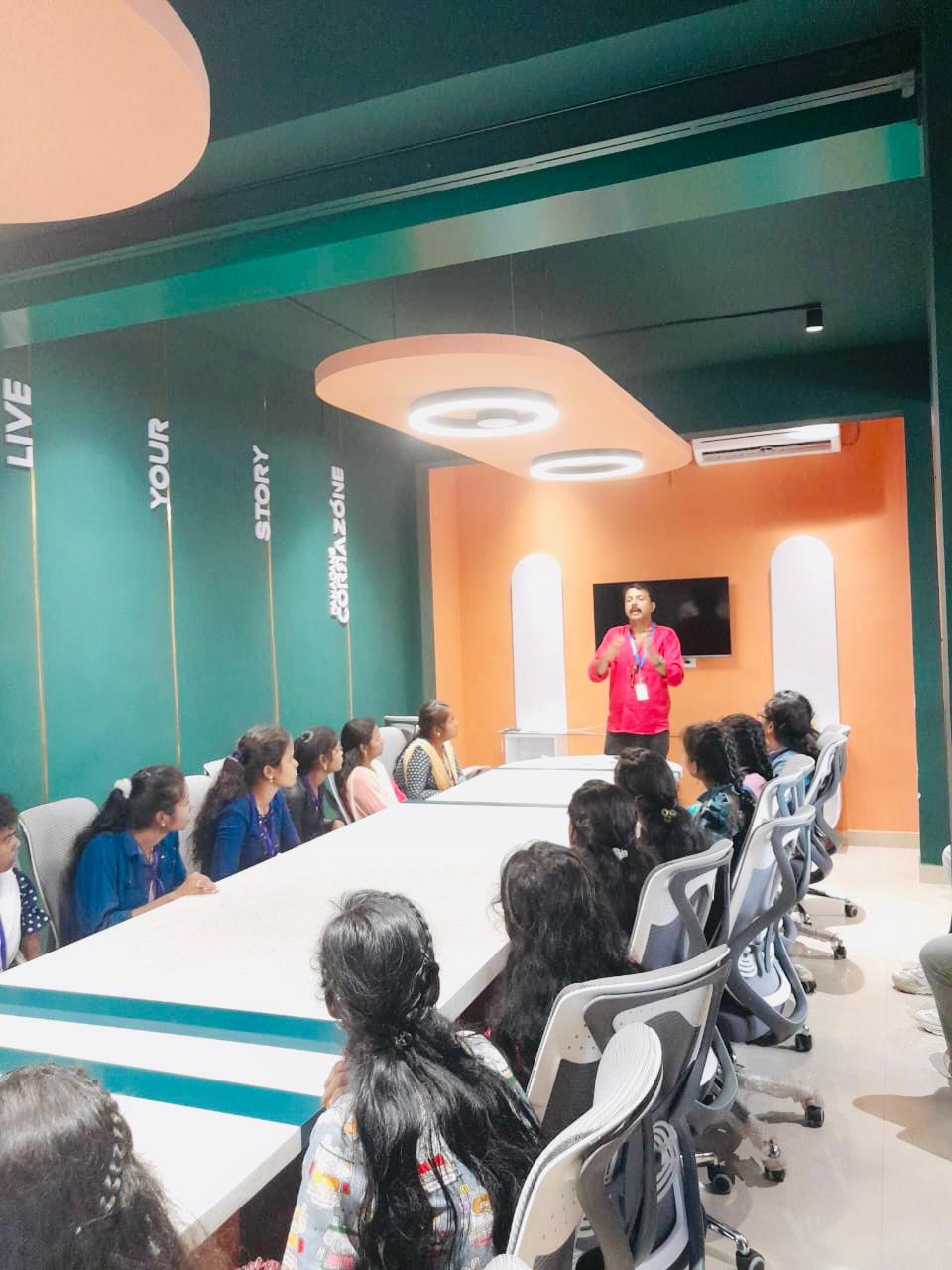
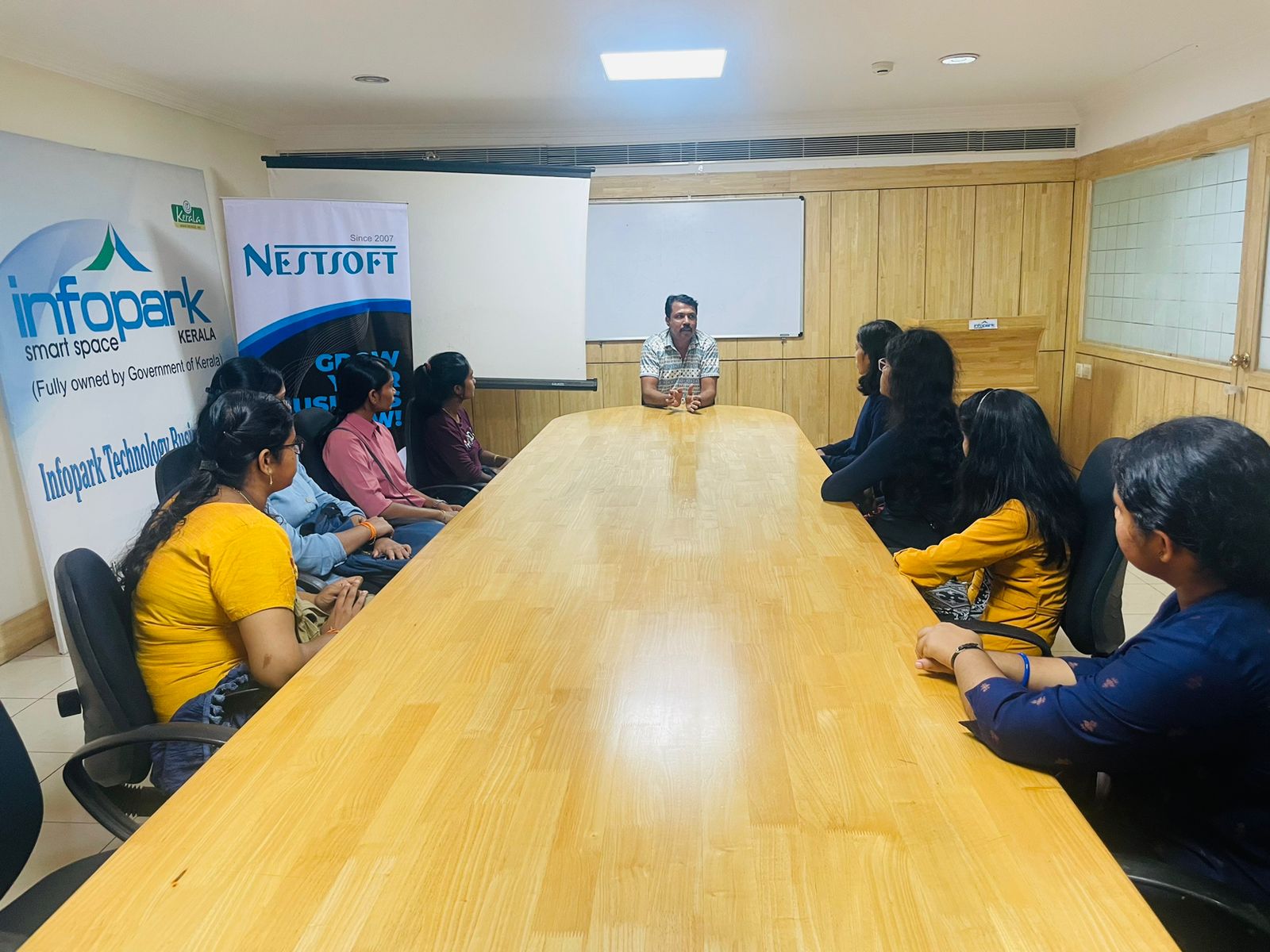
Our Training/Internship Process

Search Engine Marketing (SEM) Online Live Classes in Kannur | Free Demo Training

Search Engine Marketing (SEM) - Syllabus, Fees & Duration


Module 1: Introduction to Search Engine Marketing

  • Overview of SEM

    • What is Search Engine Marketing?
    • Importance of SEM in Digital Marketing
    • Difference between SEM, SEO, and PPC
  • Understanding Search Engines

    • How search engines work
    • Organic vs. Paid results
    • Key search engine platforms: Google, Bing, Yahoo
  • SEM Terminulogies

    • CPC, CTR, Quality Score, Conversion Rate, etc.

Module 2: Google Ads Basics

  • Introduction to Google Ads

    • Types of Google Ads campaigns
    • Google Ads account setup
    • Interface overview and navigation
  • Campaign Types

    • Search campaigns
    • Display campaigns
    • Shopping ads
    • Video campaigns (YouTube Ads)
    • Performance Max campaigns
  • Keyword Research

    • Importance of keywords in SEM
    • Keyword research touls (Google Keyword Planner, SEMrush, etc.)
    • Long-tail vs. short-tail keywords

Module 3: Setting Up SEM Campaigns

  • Search Campaign Creation

    • Writing effective ad copy
    • Creating ad groups and selecting keywords
    • Using match types: Broad, Phrase, Exact, Negative
  • Display Campaign Creation

    • Designing image and responsive ads
    • Targeting options: Audience, demographics, interests
  • Bid Strategies

    • Manual CPC vs. Automated bidding
    • Enhanced CPC, Target CPA, Target ROAS

Module 4: Optimization Techniques

  • Quality Score Optimization

    • Factors affecting Quality Score: CTR, Ad Relevance, Landing Page Experience
  • Landing Page Optimization

    • Creating user-friendly, mobile-optimized landing pages
    • A/B testing for landing pages
  • Ad Extensions

    • Types of extensions: Sitelinks, Callouts, Structured Snippets
    • Best practices for using ad extensions

Module 5: Analytics and Performance Tracking

  • Introduction to Google Analytics

    • Setting up and linking Google Analytics with Ads
    • Tracking conversions and goals
  • Analyzing Campaign Performance

    • Understanding metrics: Impressions, clicks, conversions
    • Using reports for insights (Search Query Report, Auction Insights)
  • Campaign Optimization

    • Improving CTR, CPC, and conversion rate
    • Identifying and pausing underperforming keywords

Module 6: Advanced SEM Strategies

  • Remarketing Campaigns

    • Understanding remarketing
    • Setting up audience lists
    • Dynamic remarketing with display ads
  • Competitor Analysis

    • Touls for competitor analysis (SpyFu, Ahrefs, SEMrush)
    • Building strategies to outrank competitors
  • Geo-Targeting and Local Search Ads

    • Importance of location-based targeting
    • Setting up and optimizing local ads

Module 7: Bing Ads and Other Platforms

  • Overview of Bing Ads

    • Setting up Bing Ads account
    • Importing campaigns from Google Ads
  • Advertising on Other Platforms

    • Yahoo Ads
    • DuckDuckGo Advertising

Module 8: Budgeting and ROI in SEM

  • Budget Allocation

    • How to set and manage ad budgets
    • Daily vs. monthly budgets
  • Measuring ROI in SEM

    • Calculating ROI for SEM campaigns
    • Optimizing for profitability

Module 9: SEM Touls and Automation

  • Touls for SEM Management

    • SEMrush, Ahrefs, SpyFu, and Ubersuggest
    • Using Google Ads Editor
  • Automation in SEM

    • Using scripts for automation
    • Smart bidding and AI-powered features

Module 10: SEM Best Practices and Trends

  • SEM Best Practices

    • Ad copywriting tips
    • Avoiding common SEM mistakes
  • Emerging Trends in SEM

    • Voice search and its impact
    • AI and machine learning in SEM

Module 11: Capstone Project

  • Create and manage a live SEM campaign
  • Analyze and optimize performance
  • Present findings and strategy

Download Syllabus - Search Engine Marketing (SEM)
This syllabus is not final and can be customized as per needs/updates
   
10000+
20+
50+
25+

Search Engine Marketing (SEM) Jobs in Kannur

Enjoy the demand

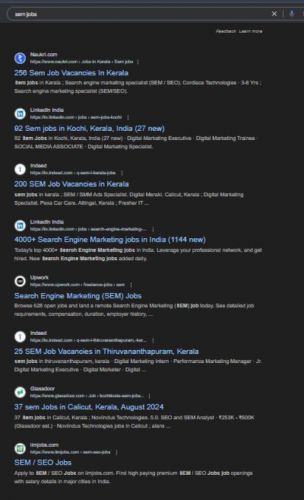
Find jobs related to Search Engine Marketing (SEM) in search engines (Google, Bing, Yahoo) and recruitment websites (monsterindia, placementindia, naukri, jobshybrid.com, indeed.co.in, shine.com etc.) based in Kannur, chennai and europe countries. You can find many jobs for freshers related to the job positions in Kannur.

  • SEM Specialist
  • PPC (Pay-Per-Click) Specialist
  • Digital Marketing Specialist
  • Google Ads Specialist
  • Search Engine Marketing Manager
  • Performance Marketing Manager
  • Conversion Rate Optimization (CRO) Specialist
  • E-commerce Marketing Specialist
  • Freelance SEM Consultant
  • Data Analyst – SEM

Search Engine Marketing (SEM) Internship/Course Details

Search Engine Marketing (SEM) internship jobs in Kannur
Search Engine Marketing (SEM) Gain hands-on experience with tools like Google Analytics, SEMrush, and Google Ads Editor to enhance campaign efficiency. Learn the fundamentals of SEM, including keyword research, ad creation, bidding strategies, and performance analysis using platforms like Google Ads and Bing Ads. The Search Engine Marketing (SEM) course provides comprehensive training on creating, managing, and optimizing paid search campaigns to drive targeted traffic and maximize ROI. Explore advanced concepts like remarketing, geo-targeting, and campaign automation. . This course is ideal for digital marketers, entrepreneurs, and professionals seeking expertise in paid search marketing to achieve business goals and outperform competitors.


Meet a Few of our Industry Experts 🚀 Your Pathway to IT Career

Pogula

Mobile: +91 91884 77559
Location: Online (Kannur, India)
Qualification: Fresher

Experience: Lightly I know about php and HTML  more..

santhana

Mobile: +91 98474 90866
Location: Online (Kannur, India)
Qualification: B.Com

Experience: Knowledge in Java Selenium manual testing Worked as a java trainer at Greens Technology's (exp-2 months)  more..

Vinita

Mobile: +91 8301010866
Location: Online (Kannur, India)
Qualification: Mca

Experience: I have 1 5 years of experience in graphic design  more..

Bhuvan

Mobile: +91 94975 90866
Location: Online (Kannur, India)
Qualification: BE

Experience: Web developer java python  more..

Pavithra

Mobile: +91 9895490866
Location: Online (Kannur, India)
Qualification: B.E CSE

Experience: A software professional having 4 + years of experience as a Front-end developer(UI) capable of designing and developing applications in  more..

Abhijit

Mobile: +91 98474 90866
Location: Online (Kannur, India)
Qualification: Graduate

Experience: Hardware and networking and I am worked in sepl as a desktop support engineer experience in 1 year  more..

Dhivya

Mobile: +91 9895490866
Location: Online (Kannur, India)
Qualification: Bcom, MBA

Experience: I have experience in odoo from V9 to V17 both enterprise and community   more..

R.Jeniha

Mobile: +91 91884 77559
Location: Online (Kannur, India)
Qualification: B.sc computer science

Experience: 4 years of experience Proficient in figma Certified in web design   more..

Barinder

Mobile: +91 91884 77559
Location: Online (Kannur, India)
Qualification: Mca

Experience: Mvvm kotlin Java Android react native navigation Room Google map payment gateways firebase etc  more..

Anandhu

Mobile: +91 91884 77559
Location: Online (Kannur, India)
Qualification: BCA - Computer Application

Experience: I have a strong background in website development field and have been working in this field for 2+ years i  more..

Hammad

Mobile: +91 8301010866
Location: Online (Kannur, India)
Qualification: Bachelor

Experience: I am skilled in various areas including: * **Language understanding and generation:** I can process information from text and respond  more..

Raihana

Mobile: +91 8301010866
Location: Online (Kannur, India)
Qualification: BCA

Experience:  Monitor security alerts and incidents  Analyze security events to identify potential threats and vulnerabilities  Assist in incident  more..

Nidhin

Mobile: +91 98474 90866
Location: Online (Kannur, India)
Qualification: Msc Mathematics

Experience: I have 6 months experience in Data Science -AI-python-ML -Deep Learning intern at Luminar technolab kochi  more..

Ankit

Mobile: +91 8301010866
Location: Online (Kannur, India)
Qualification: Diploma

Experience: I have done a course of 6 months in which I have learnt to design a website how to make  more..

Aiswarya

Mobile: +91 9895490866
Location: Online (Kannur, India)
Qualification: btech

Experience: You should hire me for this role because I bring a unique blend of expertise and innovation My passion for  more..

Vignesh

Mobile: +91 89210 61945
Location: Online (Kannur, India)
Qualification: BCA

Experience: My Skills are Html Css Python Django and My strength are honesty open minded listener good mentor My talents are  more..

Tatapudi

Mobile: +91 91884 77559
Location: Online (Kannur, India)
Qualification: B .SC nursing

Experience: Registered Nurse with over 6 years of experience in health care services Skilled in assessment planning development implementation and education  more..

Anupama

Mobile: +91 89210 61945
Location: Online (Kannur, India)
Qualification: BSc Computer Science

Experience: Software testing functional testing api testing  more..

Suraj

Mobile: +91 91884 77559
Location: Online (Kannur, India)
Qualification: B.Tech in CS

Experience: My role in current project involves developing applications using Angular and creating APIs through serverless function apps I possess valuable  more..

Ankita

Mobile: +91 91884 77559
Location: Online (Kannur, India)
Qualification: BscIt

Experience: Wordpress Bootestrap Html Css Javscript php  more..

Pooja

Mobile: +91 89210 61945
Location: Online (Kannur, India)
Qualification: BE

Experience: Manual testing automation testing selenium BDD Java SQL jira tool postman tool etc  more..

Anand

Mobile: +91 91884 77559
Location: Online (Kannur, India)
Qualification: Bachelor's degree BFA

Experience: Video editing video grapher managing social media content creation and graphic design  more..

Bhavesh

Mobile: +91 98474 90866
Location: Online (Kannur, India)
Qualification: Greduate

Experience: I am fresher looking for react js job  more..

Swapna

Mobile: +91 91884 77559
Location: Online (Kannur, India)
Qualification: M C A

Experience: Having 13 years of experience in software testing which includes 8 years into automation testing I have been giving trainings  more..

Success Stories

The enviable salary packages and track record of our previous students are the proof of our excellence. Please go through our students' reviews about our training methods and faculty and compare it to the recorded video classes that most of the other institutes offer. See for yourself how TechnoMaster is truly unique.

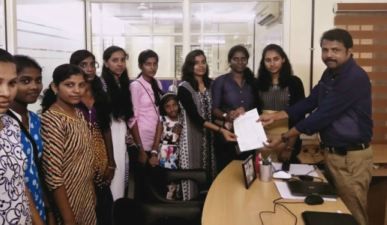
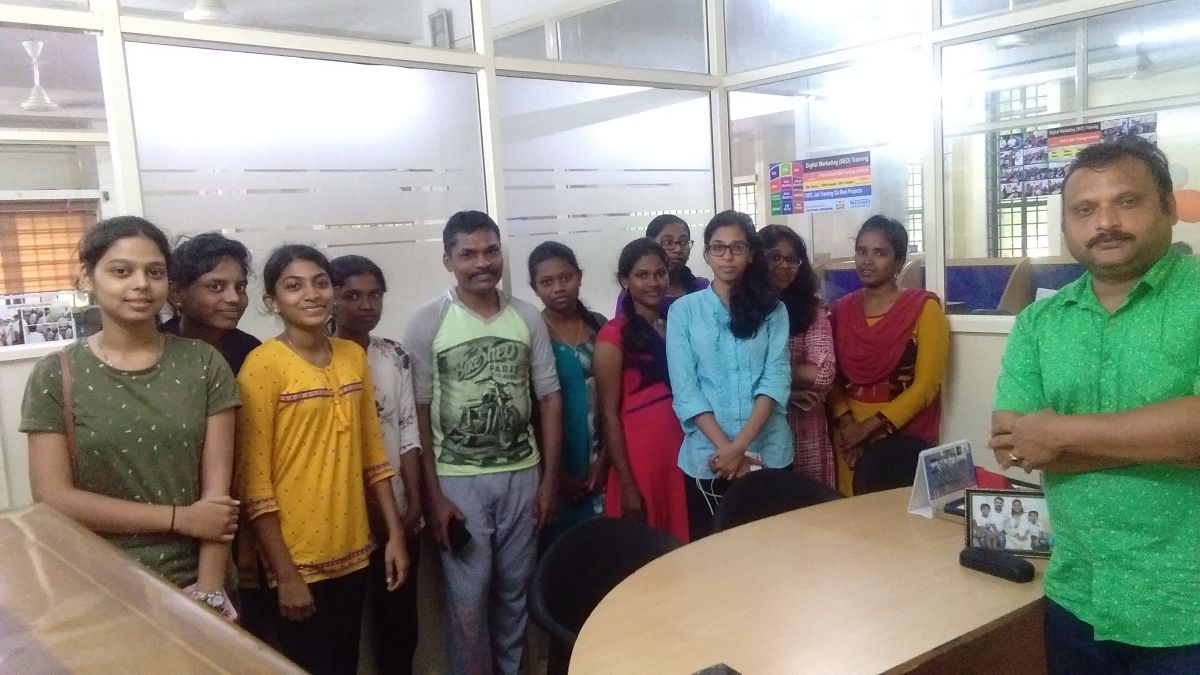
Photos of Training / Internships

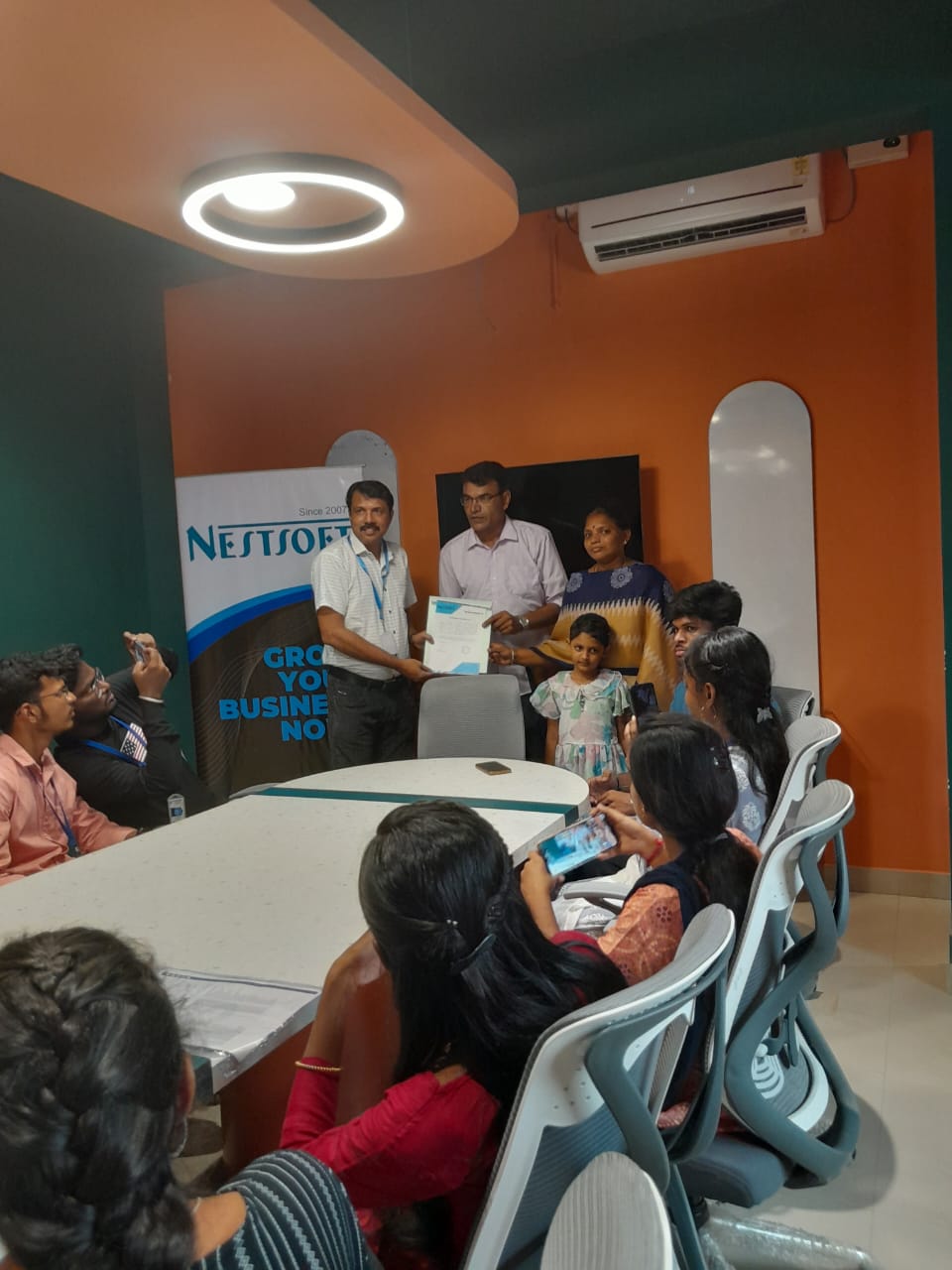
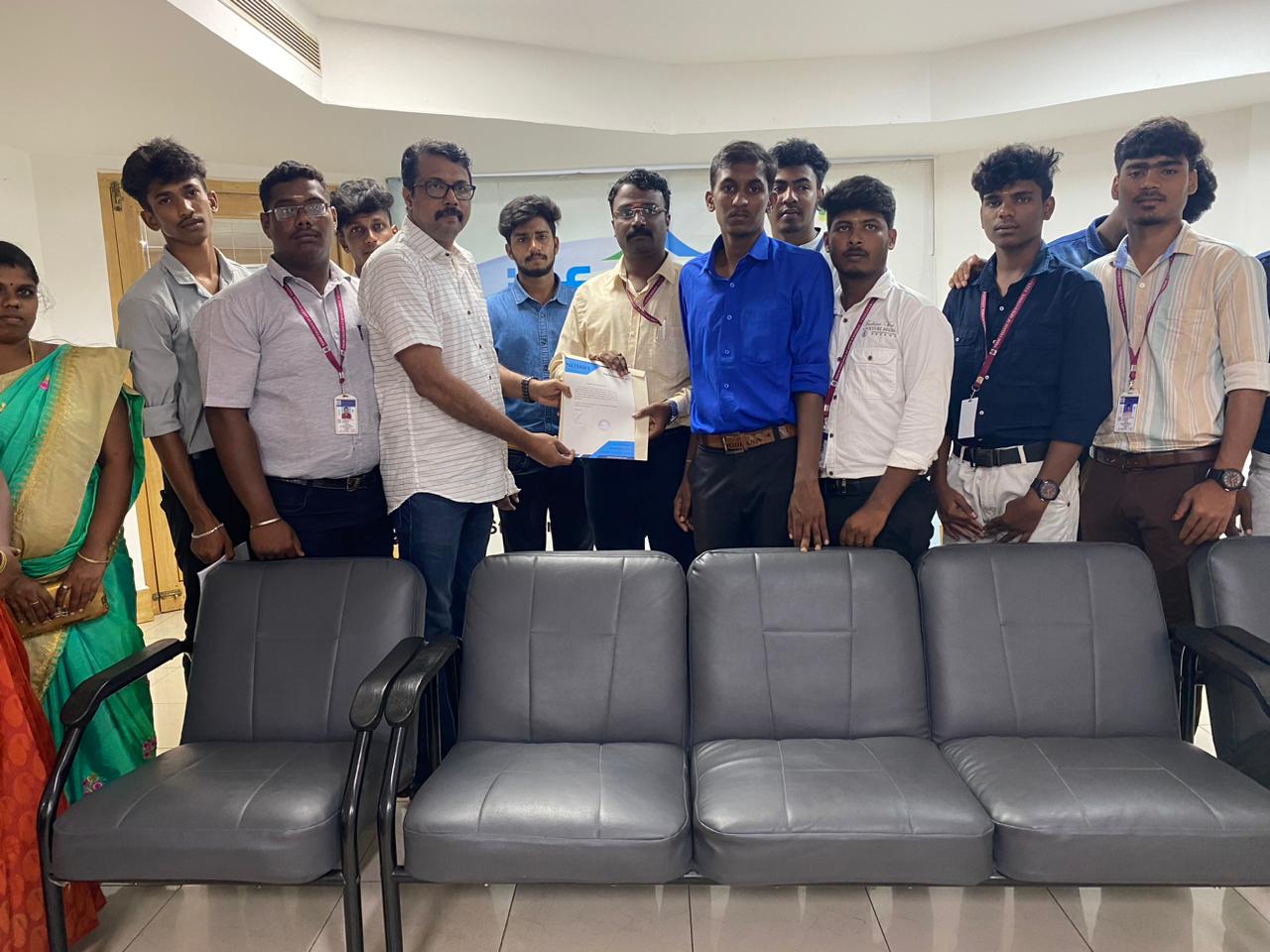
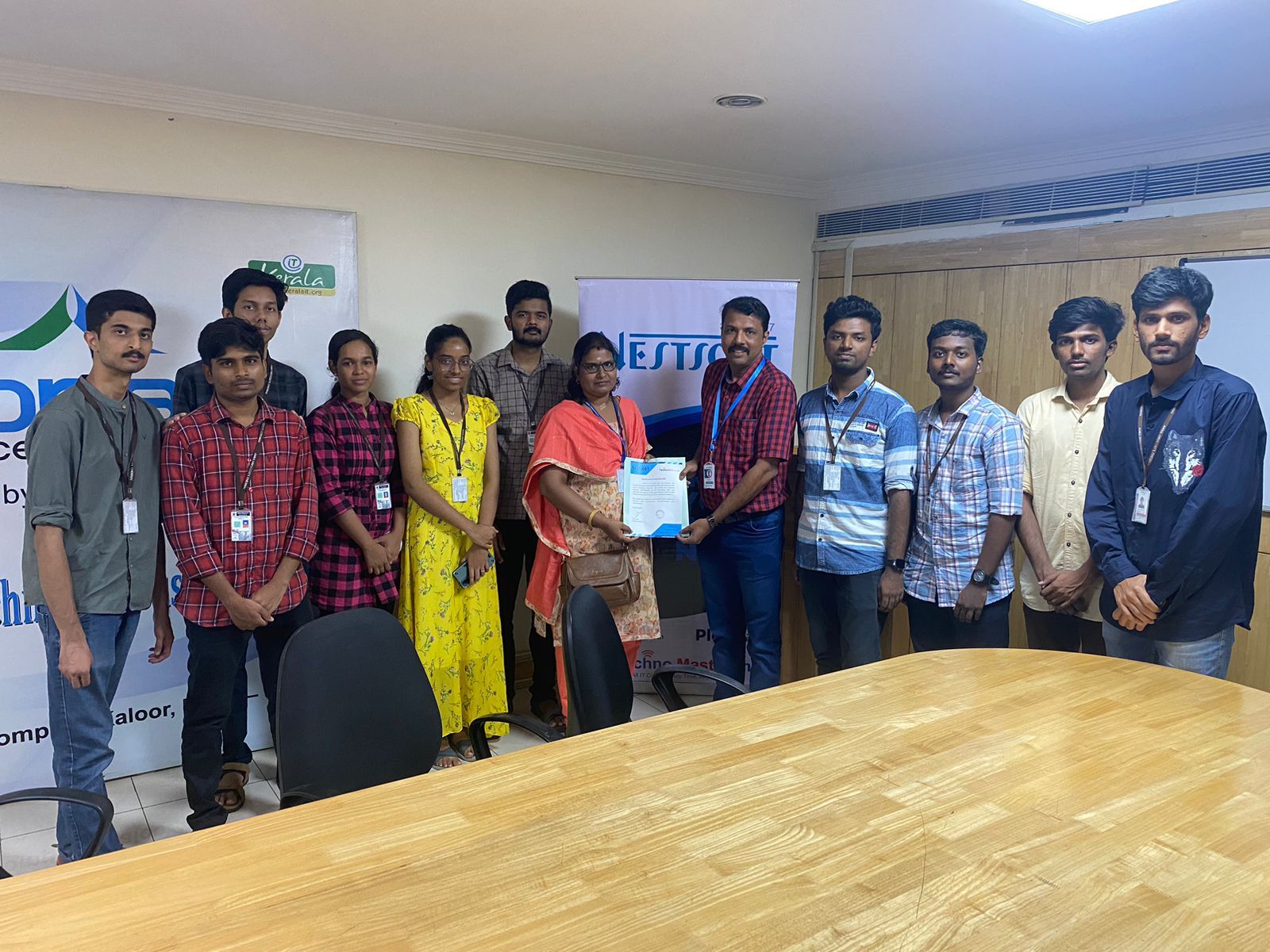
Internship/projects in kannur

Trained more than 10000+ students who trust Nestsoft TechnoMaster

Get Your Personal Trainer